

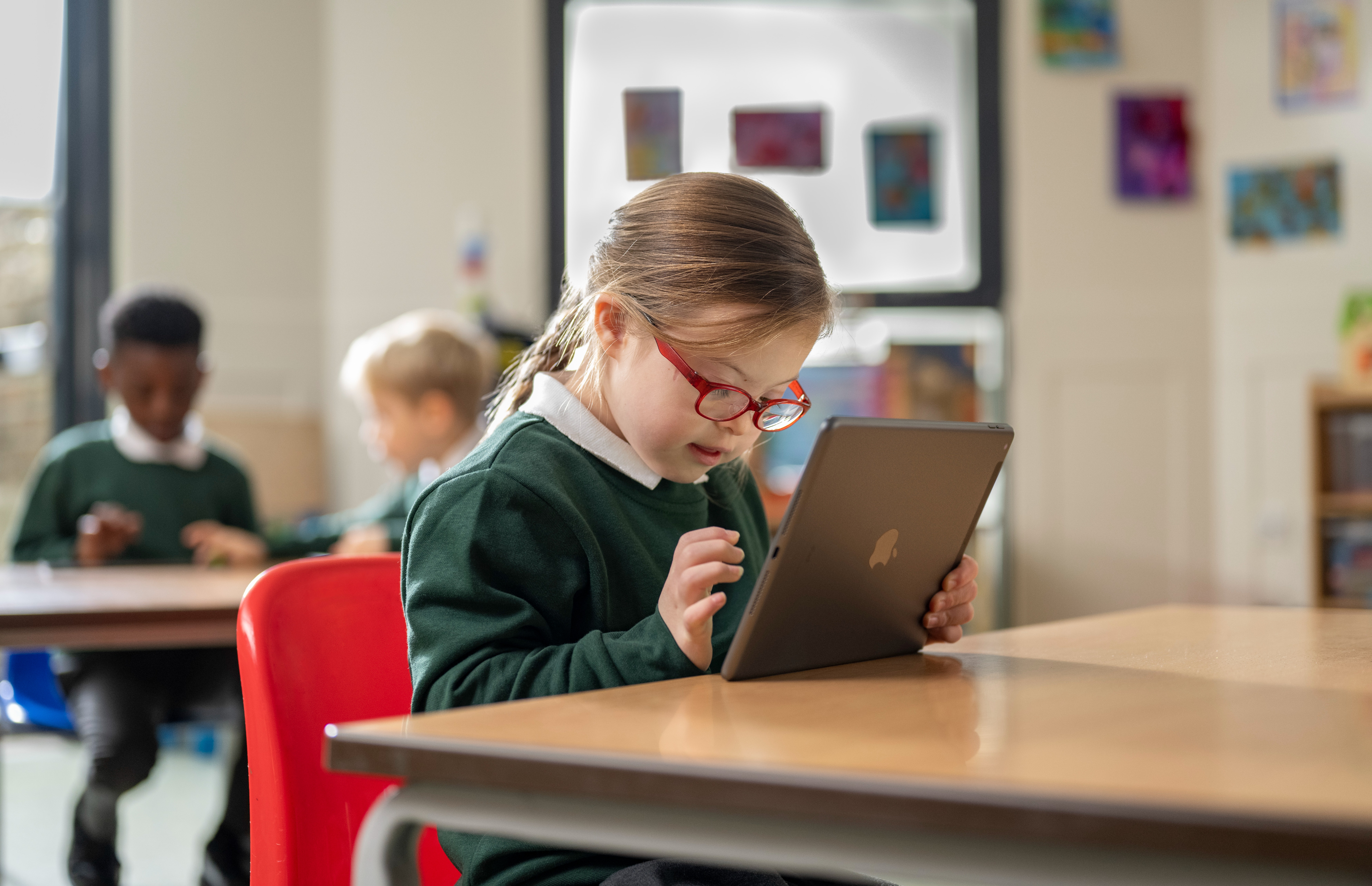
At Select, we believe that every learner deserves a pathway that works for them - whether they need more time, a different format, or a new way to express what they know. With iPad in the classroom, personalised learning becomes not just possible, but natural.
From visual learners to students with additional needs, from confident creators to quiet thinkers, iPad supports inclusive, flexible, and responsive teaching rooted in the principles of Universal Design for Learning (UDL).
Here’s how iPad helps you adapt, personalise, and empower learners of all abilities and backgrounds - especially those who thrive with a little extra choice and voice.
Built-In Accessibility - Support at Every Tap
iPad includes a powerful suite of accessibility features that are designed not just for inclusion but for independence.
For example:
- Spoken Content reads text aloud
- Dictation lets students speak instead of typing
- Display settings allow font, contrast, and size adjustments
- Magnifier supports visual access to physical text
- Voice Control lets learners navigate iPad hands-free
Why we love it:
- Supports reading, writing, focus, and motor skills
- Empowers learners to personalise their device
- Doesn’t require any additional app or cost
EAL Support - Language Learning at Learner Pace
For students learning English as an additional language, iPad opens up opportunities to learn, translate, and create across languages.
Helpful tools include:
- Translate app for real-time bilingual support
- Safari translation features for multilingual reading
- Voice Memos and Clips for speaking and listening practice
- Dictation and Speak Selection for sentence building
- Pages and Keynote templates to scaffold written tasks
Why we love it:
- Reduces language barriers without reducing challenge
- Builds vocabulary and confidence through visuals and voice
- Encourages self-paced learning and expression
UDL in Action - Choice, Challenge & Creativity
The principles of Universal Design for Learning are all about:
- Offering multiple means of representation (how content is presented)
- Providing multiple means of expression (how students show what they know)
- Supporting multiple means of engagement (how students connect with learning)
With iPad, this looks like:
- Watching a video instead of reading an article
- Recording a reflection in Clips instead of writing
- Creating a digital comic in Book Creator instead of a poster
- Using visual prompts in Freeform to plan before writing
Why we love it:
- Removes barriers without removing challenge
- Encourages learner agency and confidence
- Supports teachers to personalise without doubling workload
Creative Tools for Every Voice
iPad empowers all learners to be designers, storytellers, and problem-solvers regardless of their preferred learning style. Built-in apps like:
- Keynote (for animations, diagrams, and explanations)
- Pages (for templates, reports, and reflections)
- Numbers (for organising, charting, and sorting)
- Freeform (for open-ended thinking, planning, and visual maps) allow students to engage in ways that feel natural and meaningful to them.
Why we love it:
- Transforms learning into creating
- Reduces pressure for reluctant writers or readers
- Makes learning visible and shareable
iPad as a Personal Learning Companion
Personalised learning is about meeting learners where they are and helping them grow from there. With iPad, teachers can create flexible pathways, provide timely feedback, and celebrate every kind of progress, whether it’s a spoken response, a mind map, or a beautifully illustrated explanation.
When learners feel supported, they feel seen. And when they feel seen, they’re more likely to engage, explore, and succeed.
Looking to personalise learning in your classroom with iPad? Whether you’re just getting started with accessibility or ready to explore full UDL workflows, our team at Select is here to help you find the right tools and training.